
FASTLIO2_ROS2 完整部署教程
环境前提:Ubuntu 22.04 原生系统 + ROS2 Humble (desktop-full) 已安装
目标雷达:Livox Mid-360
项目地址:https://github.com/liangheming/FASTLIO2_ROS2
0. 系统基础依赖
先把后续编译需要的基础库全部装好,避免中途缺包:
sudo apt update && sudo apt install -y \
git cmake build-essential \
libpcl-dev \
libeigen3-dev \
libboost-all-dev \
libtbb-dev \
libgflags-dev \
libgoogle-glog-dev \
libatlas-base-dev \
python3-colcon-common-extensions \
python3-rosdep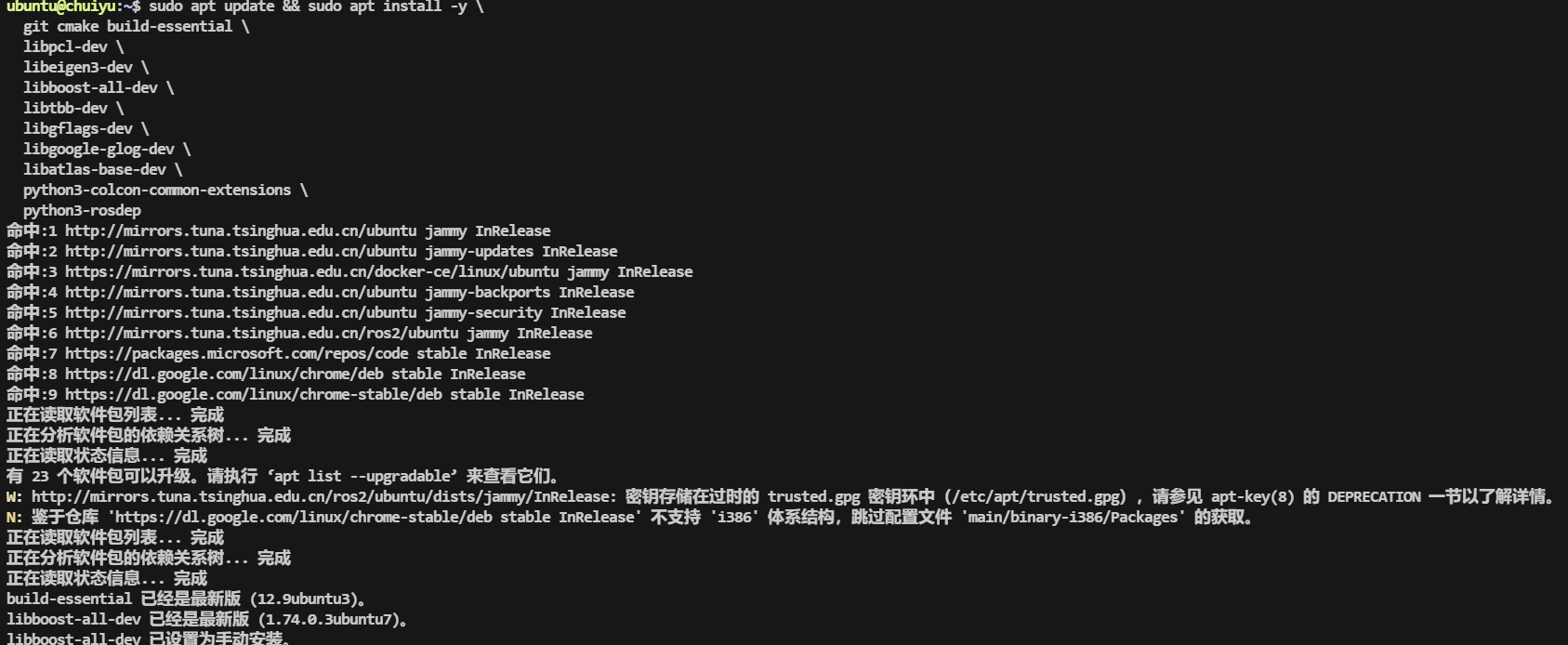 确认 ROS2 环境可用:
source /opt/ros/humble/setup.bash1. 编译安装 Sophus
FASTLIO2_ROS2 依赖 Sophus 李群库。注意必须 checkout 到 1.22.10 版本,并且禁用 fmt 依赖(否则编译项目时会报错):
cd ~/Downloads
git clone https://github.com/strasdat/Sophus.git
cd Sophus
git checkout 1.22.10

mkdir build && cd build
cmake .. -DSOPHUS_USE_BASIC_LOGGING=ON
make -j$(nproc)
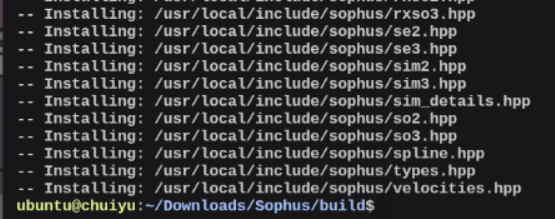
sudo make install关键说明:-DSOPHUS_USE_BASIC_LOGGING=ON 会去除对 fmt 库的依赖。如果不加这个选项,后续编译 FASTLIO2 时会出现 fmt 相关的链接错误。 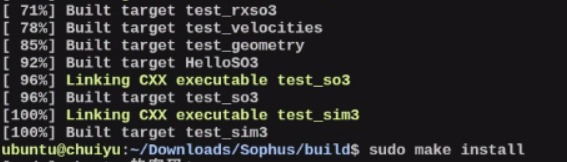
2. 编译安装 GTSAM
GTSAM 是位姿图优化(PGO)模块的核心依赖。在 Ubuntu 22.04 上建议使用 4.2a9 版本,并启用系统 Eigen:
cd ~/Downloads
git clone https://github.com/borglab/gtsam.git
cd gtsam
git checkout 4.2a9

mkdir build && cd build
cmake .. \
  -DGTSAM_BUILD_EXAMPLES_ALWAYS=OFF \
  -DGTSAM_BUILD_TESTS=OFF \
  -DGTSAM_WITH_TBB=OFF \
  -DGTSAM_USE_SYSTEM_EIGEN=ON \
  -DGTSAM_BUILD_WITH_MARCH_NATIVE=OFF
make -j$(nproc)
sudo make install
为什么
-DGTSAM_USE_SYSTEM_EIGEN=ON?
Ubuntu 22.04 系统自带 Eigen 3.4,如果不加此选项,GTSAM 会使用自带的 Eigen,可能导致和 PCL/其他库的 Eigen 版本冲突,出现诡异的段错误。
为什么
-DGTSAM_WITH_TBB=OFF?
TBB 在某些环境下会引入线程调度问题,对 SLAM 这类对线程模型敏感的应用来说,关掉更稳定。如果你确认需要 TBB 加速,可以改为 ON。
安装完成后刷新动态库缓存:
sudo ldconfig3. 编译安装 Livox-SDK2
Livox Mid-360 使用的是 SDK2(不是旧的 Livox-SDK):
cd ~/Downloads
git clone https://github.com/Livox-SDK/Livox-SDK2.git
cd Livox-SDK2

mkdir build && cd build
cmake .. && make -j$(nproc)
sudo make install
4. 编译安装 livox_ros_driver2
livox_ros_driver2 是 Livox 雷达的 ROS2 驱动,它有自己的构建脚本,需要单独编译:
cd ~/Downloads
mkdir -p ws_livox/src
git clone https://github.com/Livox-SDK/livox_ros_driver2.git ws_livox/src/livox_ros_driver2

cd ws_livox/src/livox_ros_driver2
# 确保 ROS2 环境已 source
source /opt/ros/humble/setup.bash
./build.sh humble
编译成功后,source 这个工作空间(后续编译 FASTLIO2 也需要它):
source ~/Downloads/ws_livox/install/setup.bash建议:将此行加入你的 ~/.bashrc,这样每次打开终端都会自动加载:
echo "source ~/Downloads/ws_livox/install/setup.bash" >> ~/.bashrc配置 Mid-360 连接参数
livox_ros_driver2 的 Mid-360 配置文件位于:
ws_livox/src/livox_ros_driver2/config/MID360_config.json你需要根据实际情况修改其中的 IP 地址:
{
  "lidar_summary_info": {
    "lidar_type": 8
  },
  "MID360": {
    "lidar_net_info": {
      "cmd_data_port": 56100,
      "push_msg_port": 56200,
      "point_data_port": 56300,
      "imu_data_port": 56400,
      "log_data_port": 56500
    },
    "host_net_info": {
      "cmd_data_ip": "192.168.1.5",
      "cmd_data_port": 56101,
      "push_msg_ip": "0.0.0.0",
      "push_msg_port": 56201,
      "point_data_ip": "0.0.0.0",
      "point_data_port": 56301,
      "imu_data_ip": "0.0.0.0",
      "imu_data_port": 56401,
      "log_data_ip": "",
      "log_data_port": 56501
    }
  },
  "lidar_configs": [
    {
      "ip": "192.168.1.1xx",
      "pcl_data_type": 1,
      "pattern_mode": 0,
      "extrinsic_parameter": {
        "roll": 0.0,
        "pitch": 0.0,
        "yaw": 0.0,
        "x": 0,
        "y": 0,
        "z": 0
      }
    }
  ]
}"ip"字段改为你的 Mid-360 雷达实际 IP(出厂默认通常是192.168.1.1xx格式,具体看雷达标签)"cmd_data_ip"改为你电脑的 IP 地址(在同一网段)
5. 编译 FASTLIO2_ROS2
5.1 创建工作空间并克隆代码
mkdir -p ~/fastlio2_ws/src
cd ~/fastlio2_ws/src
git clone https://github.com/liangheming/FASTLIO2_ROS2.git
克隆后的目录结构如下:
~/fastlio2_ws/src/FASTLIO2_ROS2/
├── fastlio2/       # 核心 LIO 节点
├── pgo/            # 回环检测 + 位姿图优化
├── localizer/      # 在线重定位
├── hba/            # 一致性地图优化 (BA/HBA)
├── interface/      # 自定义 srv/msg 定义
└── README.md
5.2 编译
cd ~/fastlio2_ws

# 确保所有依赖都已 source
source /opt/ros/humble/setup.bash
source ~/Downloads/ws_livox/install/setup.bash

# 编译整个工作空间
colcon build --symlink-install --cmake-args -DCMAKE_BUILD_TYPE=Release说明:
--symlink-install使得修改 launch/config 文件不需要重新编译-DCMAKE_BUILD_TYPE=Release开启 -O3 优化,对实时性很关键- 如果编译内存不够(比如 8GB 内存),可以用
colcon build --parallel-workers 2限制并行数
编译成功后 source 工作空间:
source ~/fastlio2_ws/install/setup.bash同样建议加入 ~/.bashrc:
echo "source ~/fastlio2_ws/install/setup.bash" >> ~/.bashrc5.3 常见编译错误及解决
错误 1:找不到 Sophus
Could not find a package configuration file provided by "Sophus"原因:Sophus 未正确安装,或 cmake 找不到。检查 /usr/local/lib/cmake/Sophus/ 是否存在。
错误 2:fmt 相关报错
error: 'fmt' has not been declared原因:Sophus 编译时没有加 -DSOPHUS_USE_BASIC_LOGGING=ON。重新编译 Sophus 即可。
错误 3:GTSAM Eigen 冲突
static assertion failed: YOU_MIXED_DIFFERENT_NUMERIC_TYPES原因:GTSAM 自带 Eigen 与系统 Eigen 版本冲突。重新编译 GTSAM 并加 -DGTSAM_USE_SYSTEM_EIGEN=ON。
错误 4:找不到 livox_ros_driver2 消息类型
Could not find a package configuration file provided by "livox_ros_driver2"原因:livox_ros_driver2 的 install 空间没有被 source。执行 source ~/Downloads/ws_livox/install/setup.bash 后重新编译。
6. 运行测试
6.1 使用数据集测试(推荐先跑通这步)
作者提供了百度网盘数据集:
链接: https://pan.baidu.com/s/1rTTUlVwxi1ZNo7ZmcpEZ7A?pwd=t6yb
提取码: t6yb
下载后使用 rosbag 播放:
# 终端 1:启动 LIO 节点
source ~/fastlio2_ws/install/setup.bash
ros2 launch fastlio2 lio_launch.py

# 终端 2:播放数据集
ros2 bag play your_bag_file
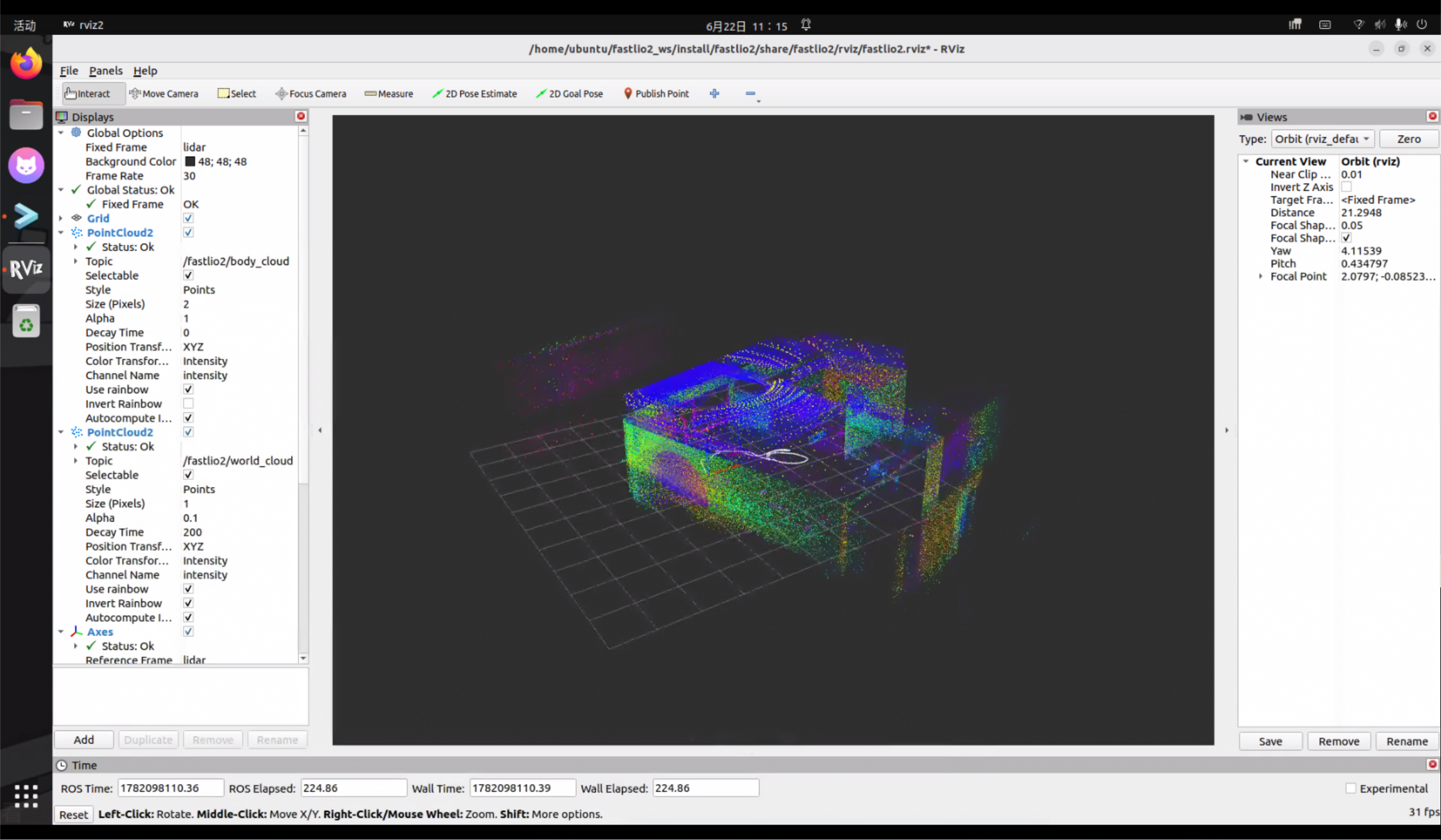
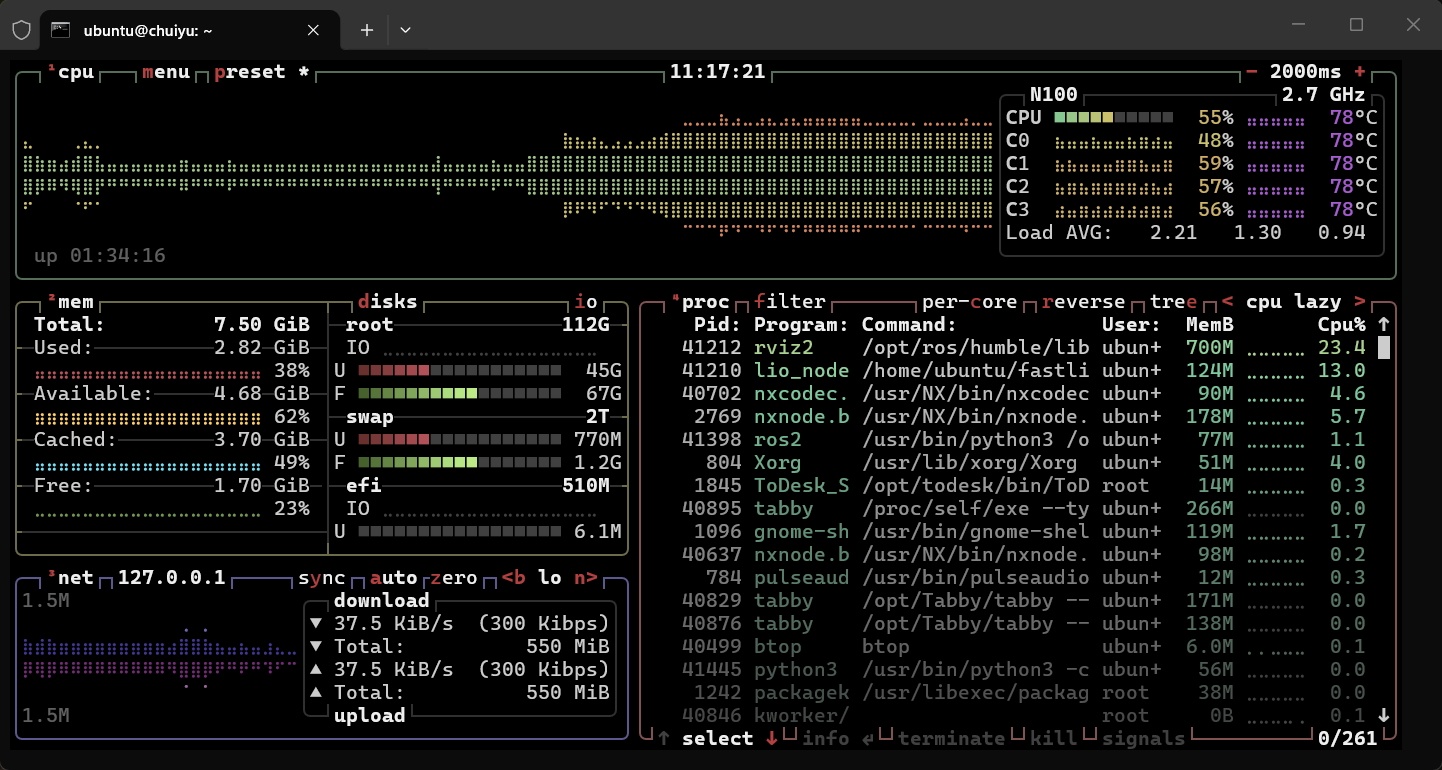
在 RViz2 中查看建图效果:
# 终端 3(可选,如果 launch 文件没有自动启动 rviz)
rviz2
在 RViz2 中添加以下显示项:
PointCloud2话题:查看实时点云Path话题:查看轨迹TF:查看坐标系关系
ubuntu@chuiyu:~$ ros2 topic list
/clicked_point
/events/read_split
/fastlio2/body_cloud
/fastlio2/lio_odom
/fastlio2/lio_path
/fastlio2/world_cloud
/goal_pose
/initialpose
/livox/imu
/livox/lidar
/parameter_events
/rosout
/tf
/tf_static


ubuntu@chuiyu:~$ ros2 node list
/fastlio2/lio_node
/fastlio2/rviz2
/fastlio2/transform_listener_impl_5fe36e27a370
/rosbag2_player
6.2 使用实际 Mid-360 雷达
# 终端 1:启动 Livox 驱动
source ~/Downloads/ws_livox/install/setup.bash
ros2 launch livox_ros_driver2 msg_MID360_launch.py

# 终端 2:启动 LIO 节点
source ~/fastlio2_ws/install/setup.bash
ros2 launch fastlio2 lio_launch.py
7. 进阶功能
7.1 回环检测 + PGO(位姿图优化)
# 启动回环优化节点(包含了 LIO)
ros2 launch pgo pgo_launch.py

# 播放数据或连接雷达
ros2 bag play your_bag_file
建图完成后保存地图:
ros2 service call /pgo/save_maps interface/srv/SaveMaps \
"{file_path: '/home/$USER/maps', save_patches: true}"注意:如果后续要使用 HBA 一致性地图优化,
save_patches必须设为true。
7.2 在线重定位
# 启动重定位节点
ros2 launch localizer localizer_launch.py

# 调用重定位服务,加载已有地图并设置初始位姿
ros2 service call /localizer/relocalize interface/srv/Relocalize \
  "{pcd_path: '/home/$USER/maps/your_map.pcd', x: 0.0, y: 0.0, z: 0.0, yaw: 0.0, pitch: 0.0, roll: 0.0}"

# 检查重定位是否成功
ros2 service call /localizer/relocalize_check interface/srv/IsValid "{code: 0}"
7.3 一致性地图优化(HBA)
# 启动 HBA 节点
ros2 launch hba hba_launch.py

# 调用优化服务(maps_path 是之前保存地图的目录)
ros2 service call /hba/refine_map interface/srv/RefineMap \
  "{maps_path: '/home/$USER/maps'}"
8. 性能优化建议
作者在 README 中提到,该项目的 timerCB、subscriber、service 回调运行在同一线程上,在性能不足时会互相阻塞。如果你遇到延迟或丢帧问题,可以考虑:
- 使用 MultiThreadedExecutor:将耗时的 timerCB 放到独立线程中执行
- 降低点云密度:在 config 中调整降采样参数
- 确保编译使用 Release 模式:
-DCMAKE_BUILD_TYPE=Release - 关闭不必要的 RViz 显示:大量点云渲染会抢占 CPU
完整的 ~/.bashrc 追加内容
# ROS2 Humble
source /opt/ros/humble/setup.bash

# Livox ROS Driver 2
source ~/Downloads/ws_livox/install/setup.bash

# FASTLIO2 ROS2 工作空间
source ~/fastlio2_ws/install/setup.bash
依赖关系速查
| 依赖 | 版本/分支 | 安装方式 | 用途 |
|---|---|---|---|
| PCL | 系统自带 | apt install libpcl-dev | 点云处理 |
| Eigen3 | 系统自带 (3.4) | apt install libeigen3-dev | 矩阵运算 |
| Sophus | 1.22.10 | 源码编译 | 李群/李代数 |
| GTSAM | 4.2a9 | 源码编译 | 因子图优化 |
| Livox-SDK2 | main | 源码编译 | Mid-360 底层通信 |
| livox_ros_driver2 | main | 源码编译 (build.sh) | Mid-360 ROS2 驱动 |
| Boost | 系统自带 | apt install libboost-all-dev | GTSAM 依赖 |
| TBB | 系统自带 | apt install libtbb-dev | 可选并行加速 |